Read: The X Window System
Unix-like systems that support a Graphical User Interface usually do this through the X Window System. This system is implemented with a client-server model: the X Server is the component that controls the screen, keyboard, mouse, and other parts related to the GUI, while the X clients are the applications that want to use the graphical interface (like, for example, an internet browser).
The clients and the server communicate using a standardized protocol, and the system does not necessarily require the client and server to be on the same machine. Although not so common nowadays, the X client can run on a different machine than the server, with the communication happening over the network. But in the more usual case, when both the client and the server are on the same machine, modern implementations of the X Window System use a faster communication channel, like a Unix socket.
X Client and Server on the Same Machine
Let’s investigate the case when both the X client and X server run on the same machine. First we’ll take a look at the Unix sockets that are in listening mode.
student@os:~$ sudo netstat -xnlp | grep X11
unix  2      [ ACC ]     STREAM     LISTENING     29120    3472/Xorg            @/tmp/.X11-unix/X0
unix  2      [ ACC ]     STREAM     LISTENING     29121    3472/Xorg            /tmp/.X11-unix/X0
We observe the Xorg process (the X server) listening on a Unix socket with the path /tmp/.X11-unix/X0.
Now let’s run an X client (that is, a GUI application) and check that it will indeed connect to this Unix socket. A very simple example is the xeyes application:
student@os:~$ strace -e trace=socket,connect xeyes
socket(AF_UNIX, SOCK_STREAM|SOCK_CLOEXEC, 0) = 3
connect(3, {sa_family=AF_UNIX, sun_path=@"/tmp/.X11-unix/X0"}, 20) = 0
As expected, the application creates a Unix socket, then connects to the path @"/tmp/.X11-unix/X0".
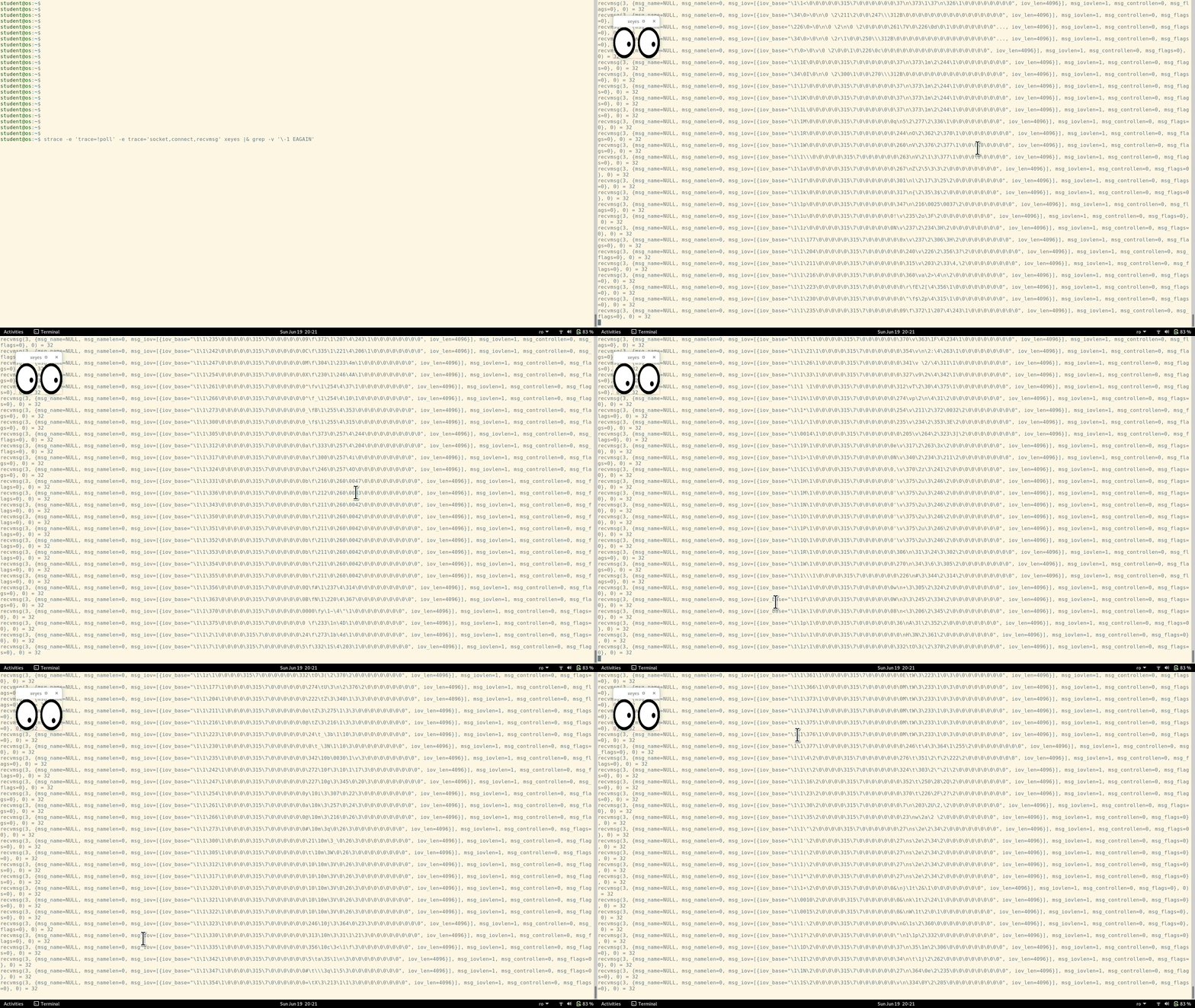
Furthermore, let’s confirm that there is actual communication taking place between xeyes and the X server. We’ll run xeyes again, and then we’ll keep moving the mouse cursor around. When the mouse is moved, the following events are taking place:
- The X server captures the mouse movements (since the server is the one that controls the mouse)
- The X server will pass these “mouse moved” events to the clients (including xeyes)
- The client (xeyes) uses these events to update its window (changing the position of the pupils inside the eyes)
So, if we run xeyes under strace, we expect to see some communication on the Unix socket that is created at the beginning:
strace -e 'trace=!poll' -e trace='socket,connect,recvmsg' xeyes |& grep -v '\-1 EAGAIN'
Oneko
An alternative to xeyes which allows us to observe Unix sockets is oneko. Going through the same steps, we see that the application also create a Unix socket, then connects to the path @"/tmp/.X11-unix/X0".
student@os:~$ strace -e trace=socket,connect oneko
socket(AF_UNIX, SOCK_STREAM|SOCK_CLOEXEC, 0) = 3
connect(3, {sa_family=AF_UNIX, sun_path=@"/tmp/.X11-unix/X1"}, 20) = 0
--- SIGALRM {si_signo=SIGALRM, si_code=SI_KERNEL} ---
When running oneko, what differs from xeyes is the SIGALRM signal. This means that oneko uses a timer, which is periodically set, and then it expires only to be reset again. The purpose of this timer is to slow down the cat.
Verifying the communication between the X server and oneko is easy. We see that the cat follows our mouse cursor, behaving similarly to xeyes. After running oneko under strace, we see the communication uses the UNIX socket created at the beginning:
strace -e 'trace=!poll' -e trace='socket,connect,recvmsg' oneko |& grep -v '\-1 EAGAIN'